The whole event in 3D, calculated before load-in
Projection, LED screens, lighting with real fixtures, sound, truss and hoists in the same scene. Every device with its manufacturer data and every calculation on the real geometry: lux, pixels, SPL, shadows, loads and power.
500+
real fixtures
with all their DMX channels (GDTF)
148
sound devices
line arrays, subs, monitors and mics
52
truss series
with parts breakdown and 250 to 2,000 kg hoists
100
projectors per scene
with automatic blending between them
All the gear for the event, in one place
It's not just projection. Drag lights, LED screens, projectors, sound, truss and hoists from the brands you work with into the scene, each one with its dimensions, weight, power draw and what it really does.
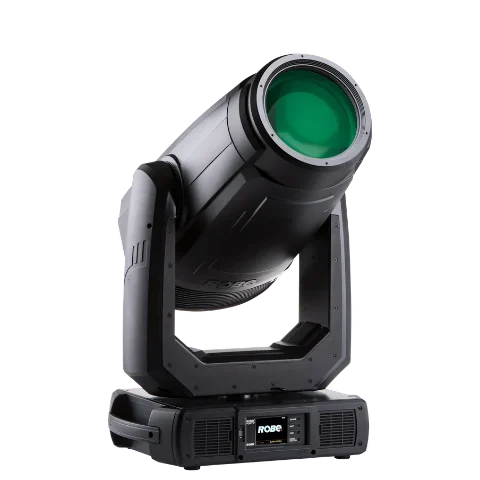
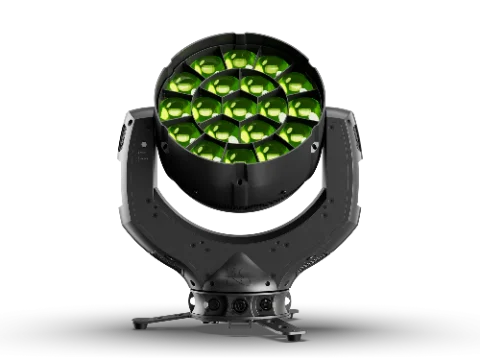
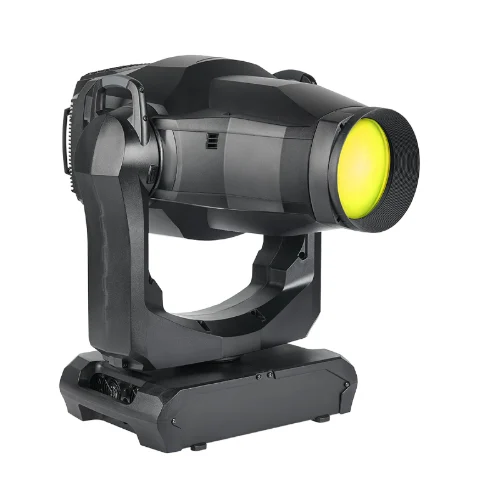
Lighting
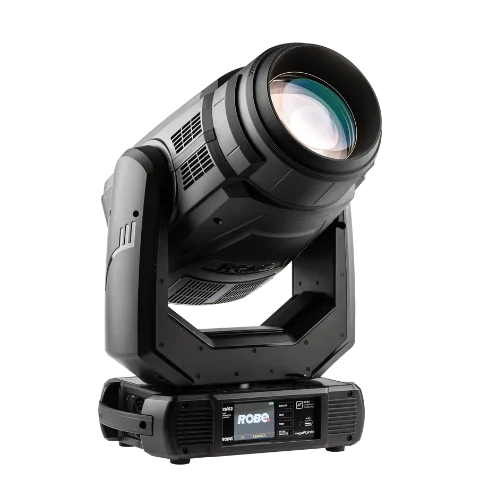
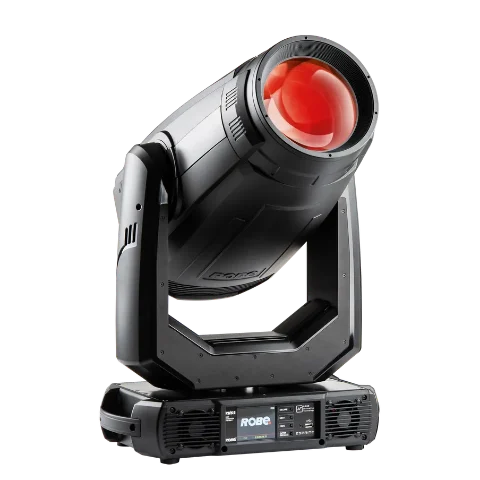
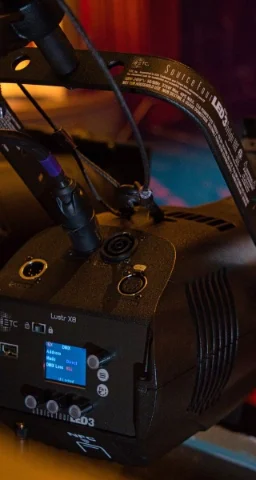
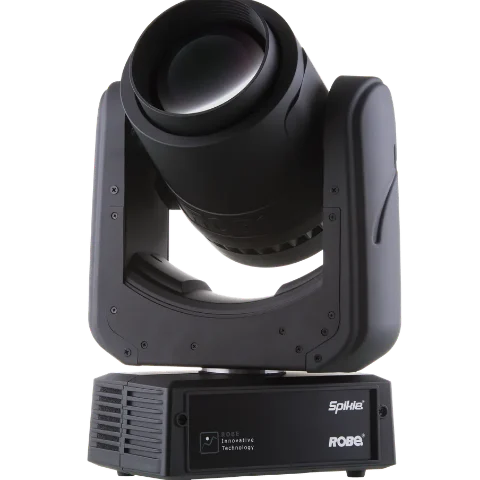
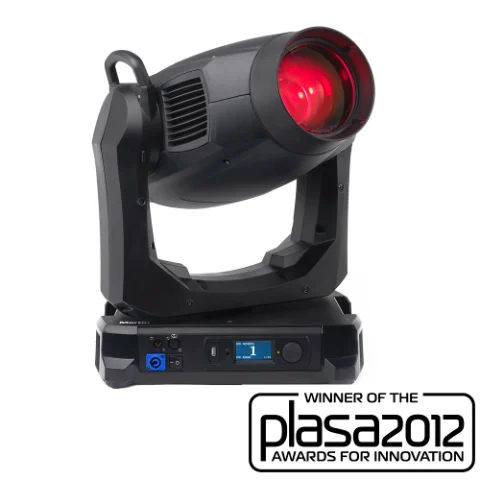
500+ fixturesWith their GDTF file: real 3D model, modes and all their DMX channels.
Ayrton · Robe · Martin · Chauvet · Anolis · Claypaky · GLP · ETC
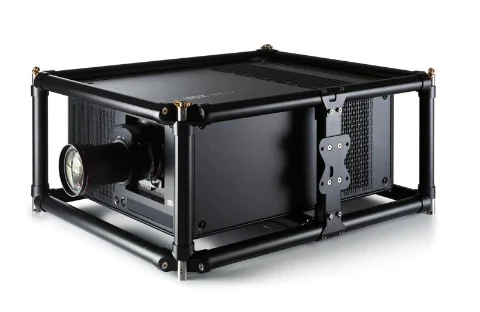
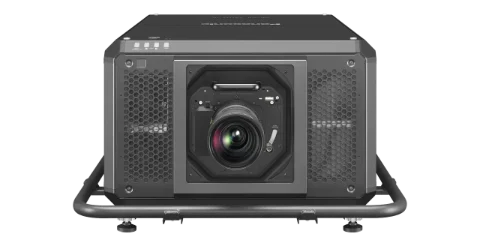
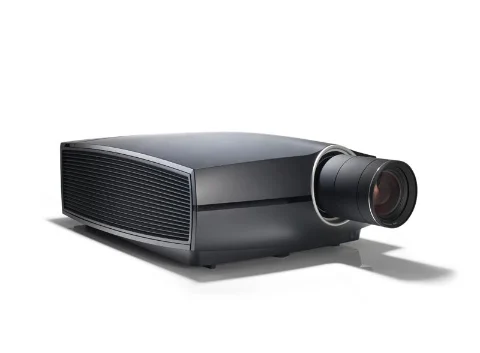
Projection
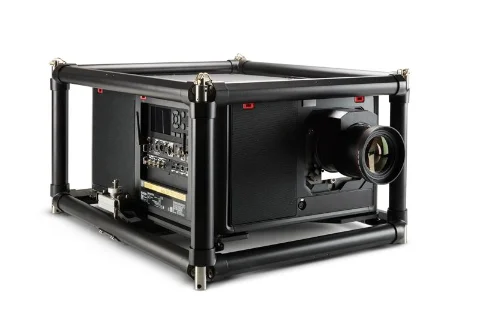
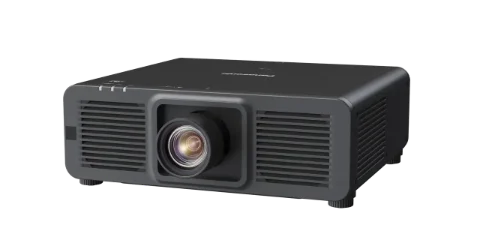
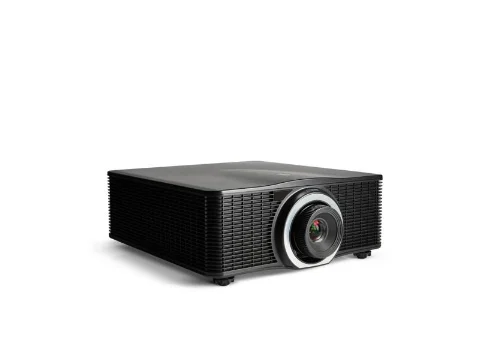
Real lensesBrightness, resolution and every lens: throw ratio and lens shift.
Panasonic · Barco · Christie · Epson
LED screens
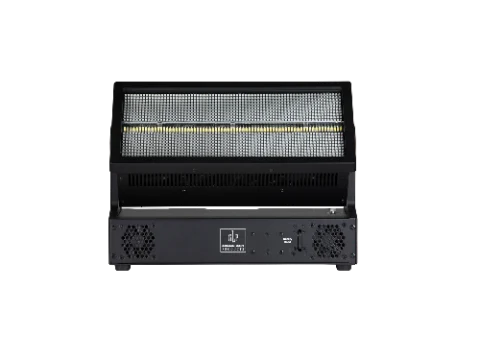
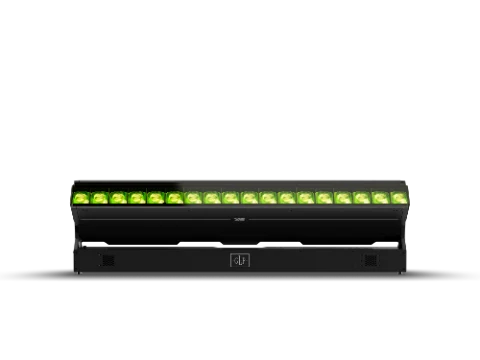
ParametricBuilt from modules: pitch, pixels, weight and power. Curves, corners and flexible panels.
Modules by family and size
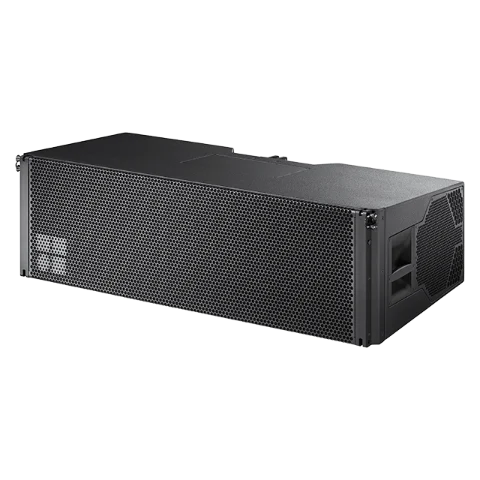
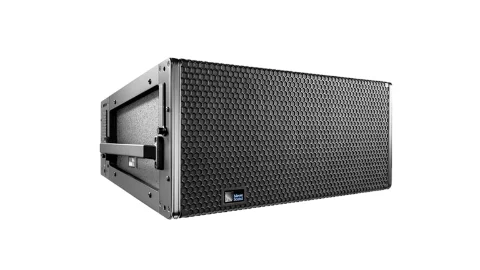
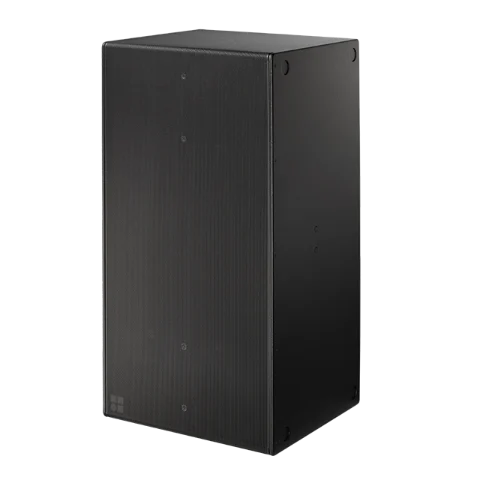
Sound
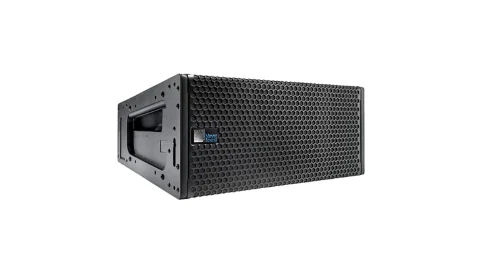
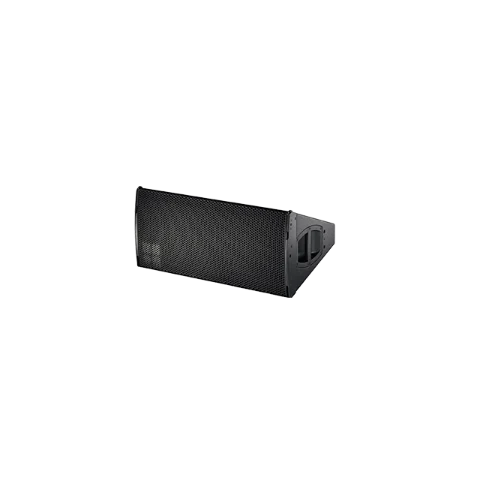
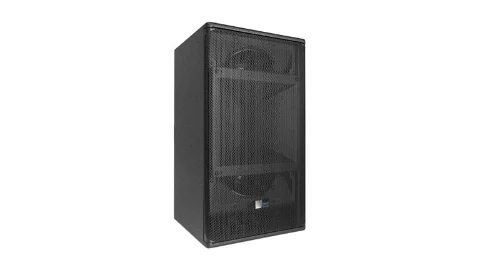
148 devicesLine arrays, subwoofers, monitors and mics, with their coverage over the audience.
d&b audiotechnik · L-Acoustics · Meyer Sound · Shure · Yamaha
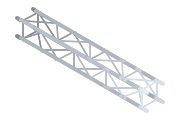
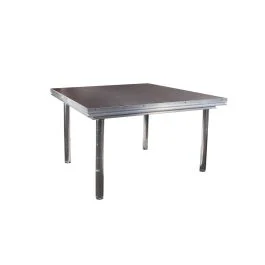
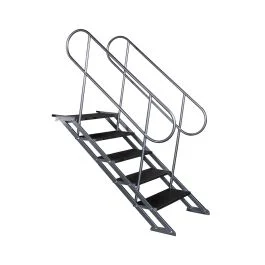
Truss and staging
52 truss seriesSections with their real parts breakdown, stage decks and stairs, and 250 to 2,000 kg hoists.
Eurotruss · Global Truss · Prolyte
Room and audience
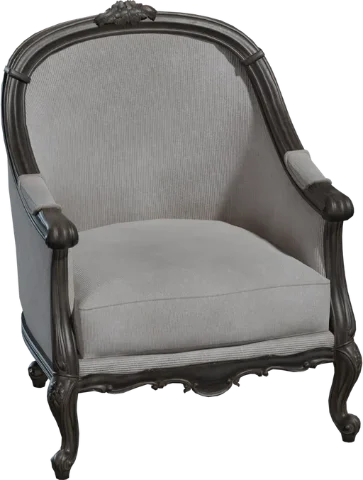
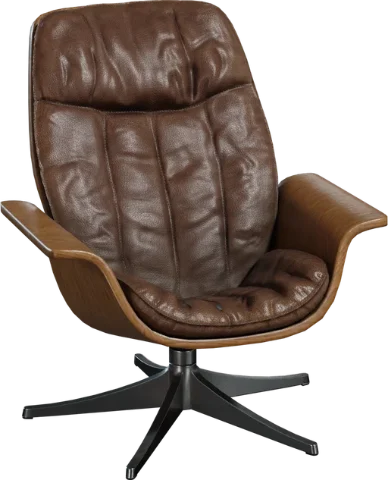
Your venueFurniture, grandstands and people to scale, plus importing your venue from CAD.
OBJ · FBX · DAE · GLB · STEP
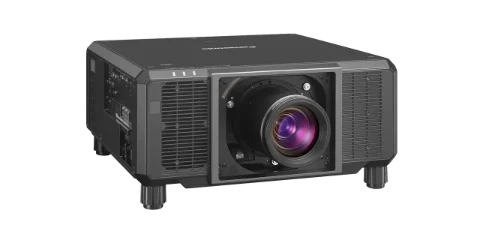
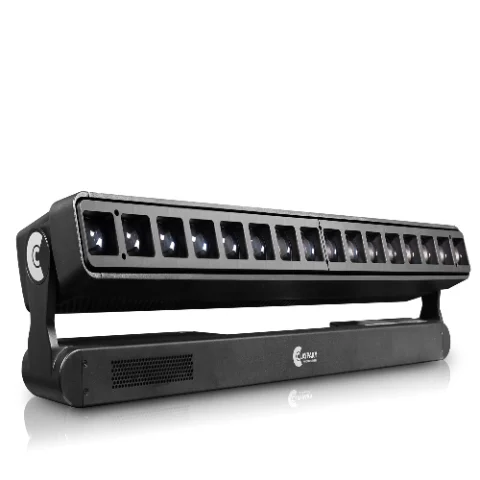
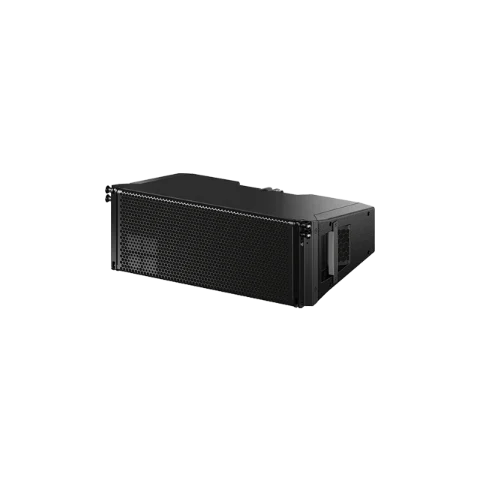
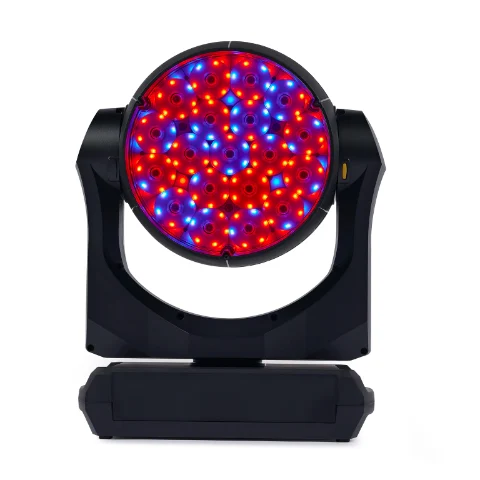
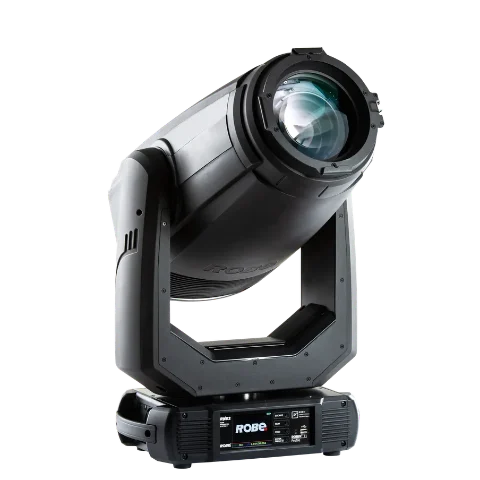
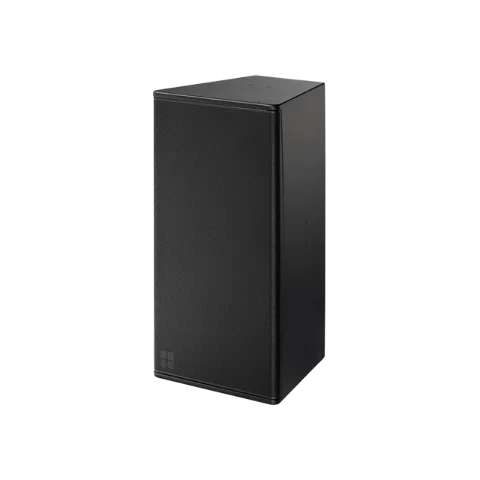
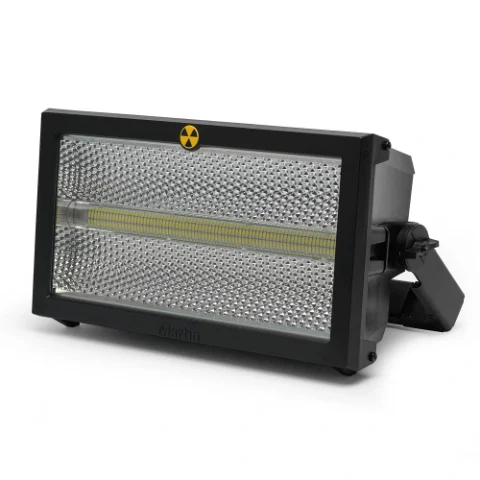
Every device knows what it is, and the scene does the maths
A projector knows its lens and brightness, a moving head its channels, an LED module its pixels and a hoist its load. That's why the scene isn't a mock-up: it's a calculation you can show.
Lighting that behaves like the real fixture
Every fixture with its DMX channels: pan and tilt, color, gobos, prisms, zoom, shutters and strobe. Lux on stage and on the screens.
LED screens
Total resolution, pixels per module, data cabling, test patterns at native resolution, wall weight and power draw.
Projection
Lenses and throw distances, lux and uniformity on screen, automatic blending between projectors and mesh warping.
Shadows and obstructions
People, truss or set pieces crossing the beam: the shadow shows up on the screen and the calculation warns you.
Sound
Sound pressure level (SPL) map over the audience and over your own models: where it's too loud and where it falls short.
Rigging
Load on every hoist and every truss point, with warnings when something gets close to the limit.
Domes, spheres and cylinders
Projector layout calculated for each shape, with the coverage and overlaps of each one.
Weights and power
Kilos, kilowatts and amps per phase for everything rigged, and the equipment list ready for the quote.
From idea to load-in in three steps
Build the room
Drag screens, projectors, LED, truss, lights and speakers from the catalog. All in real meters, with snapping between objects and dimensions as you move.
Calculate for real
Lux, pixels, blending, SPL, shadows, rigging loads and power: the calculations run on the geometry of your setup.
Show it and hand it over
View from every lens, test patterns at native resolution, equipment list and a report for the client.
Made by and for crew
Production companies and agencies
Show the client what the event will look like and lock the setup with numbers before quoting.
Video technicians
Projection and LED: lenses, throw distances, overlaps, pixels and cabling sorted before loading the truck.
Lighting and sound
Fixtures with their real DMX channels and sound coverage over the audience, in the same scene as the video.
Venues and hotels
Your rooms in 3D with their real dimensions, ready to propose setups to every client.
Start for free and upgrade when you need to
No commitment. Change plan whenever you like.
Pay for the whole year and save 17%.
Free
To try the tool: one project, 2 projectors, 2 PA arrays, 5 fixtures and 180 LED modules.
No card and no expiry
Start for free- One project at a time
- Per project: 2 projectors, 2 PA arrays, 5 lights and 180 LED modules
- Projection, LED, lighting, audio and rigging in 3D
- Blending, warping, domes and spheres
- Lens assistant and advanced calculations
- Automatic equipment list
- PDF reports for the client
- 4K renders
- 200 MB of storage
- Solo work
- 10 custom devices in your library
Pro
No limits, for the technician who designs and calculates events every day.
or €290 per year
Choose Pro- Unlimited projects
- Unlimited projectors, PA, lights and LED screens
- Projection, LED, lighting, audio and rigging in 3D
- Blending, warping, domes and spheres
- Lens assistant and advanced calculations
- Automatic equipment list
- PDF reports for the client
- 4K renders
- 20 GB of storage
- Solo work
- Unlimited custom devices in your library
- Publish on the marketplace
Team
Like Pro, for several technicians: simultaneous editing and a shared library.
or €790 per year
Choose Team- Unlimited projects
- Unlimited projectors, PA, lights and LED screens
- Projection, LED, lighting, audio and rigging in 3D
- Blending, warping, domes and spheres
- Lens assistant and advanced calculations
- Automatic equipment list
- PDF reports for the client
- 4K renders
- 500 GB of storage
- Real-time collaboration with no limit on people
- Unlimited custom devices in your library
- Publish on the marketplace
Prices exclude VAT. You can change plan or cancel whenever you like.
Frequently asked questions
Is it only for projection?+
No. AV3D Studio covers the whole event: projection, LED screens, lighting, sound, truss and hoists, stage and audience, in the same scene and with their calculations.
Do the lights work like the real ones?+
Yes. Fixtures come from the manufacturer's GDTF file: their 3D model, their modes and all their DMX channels (pan and tilt, color, gobos, prisms, zoom, shutters, strobe…). You move the channels as on a console and the fixture responds the same way.
Do I have to install anything?+
No. AV3D Studio runs in the browser. We recommend a computer with a decent graphics card for large scenes.
Can I try it without creating an account?+
Yes: the editor opens without an account and saves in your browser. With an account, your projects are saved in the cloud and you can open them from any computer.
How reliable are the calculations?+
The engines use the real geometry (distances, angles of incidence, throw ratio, lumens, pixels, sound pressure and weights). Spec sheets are indicative until checked against the manufacturer, and you can adjust every value.
Can I work with my team?+
Yes. On paid plans you invite other people to the project and work at the same time, each with their own cursor.
Can I change plan or cancel?+
Whenever you like, from your subscription. Paying yearly works out cheaper than twelve separate months.
Your next event, built before load-in
Video, lighting, sound and rigging in the same scene. Create your free account and open your first project in under a minute.